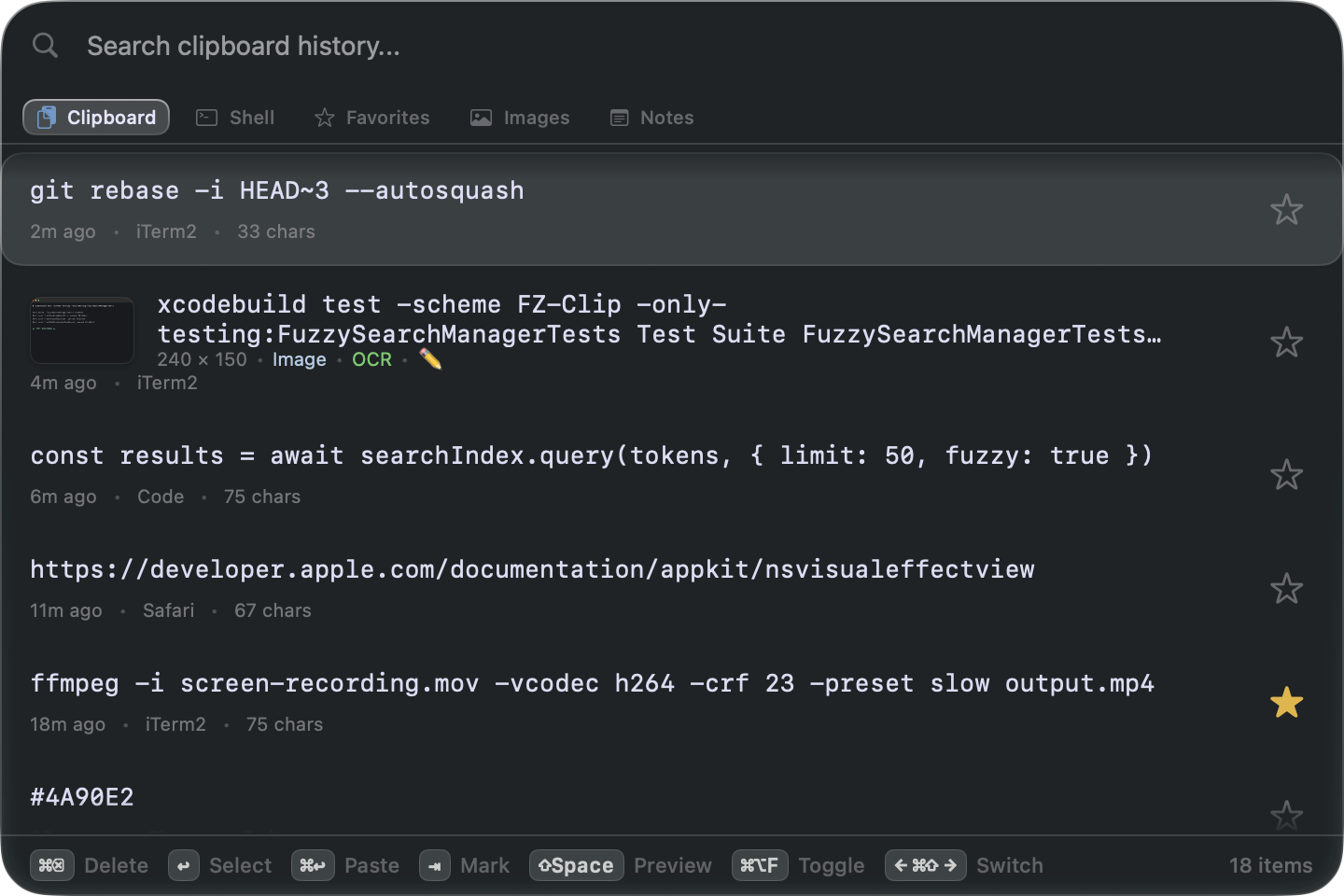
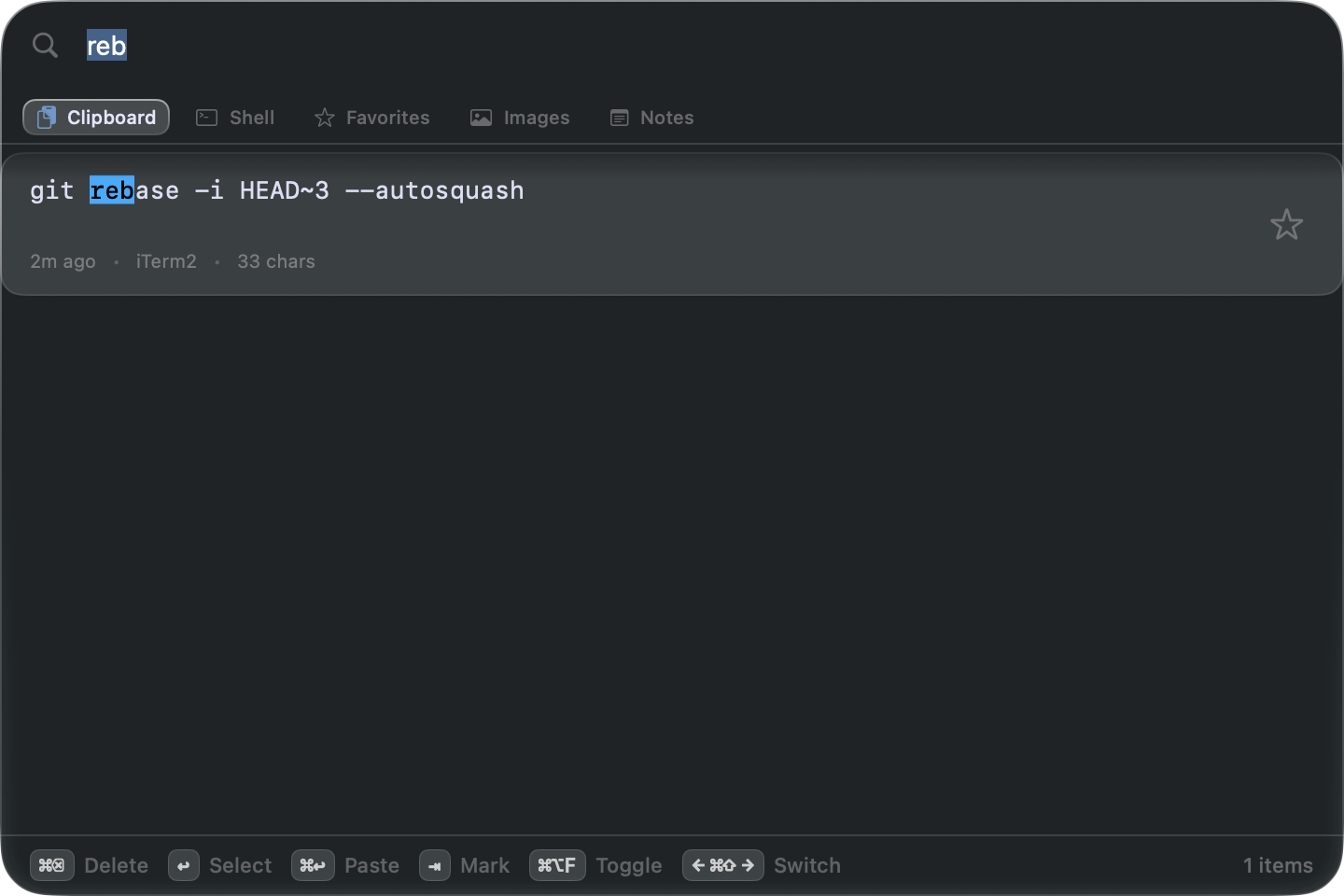
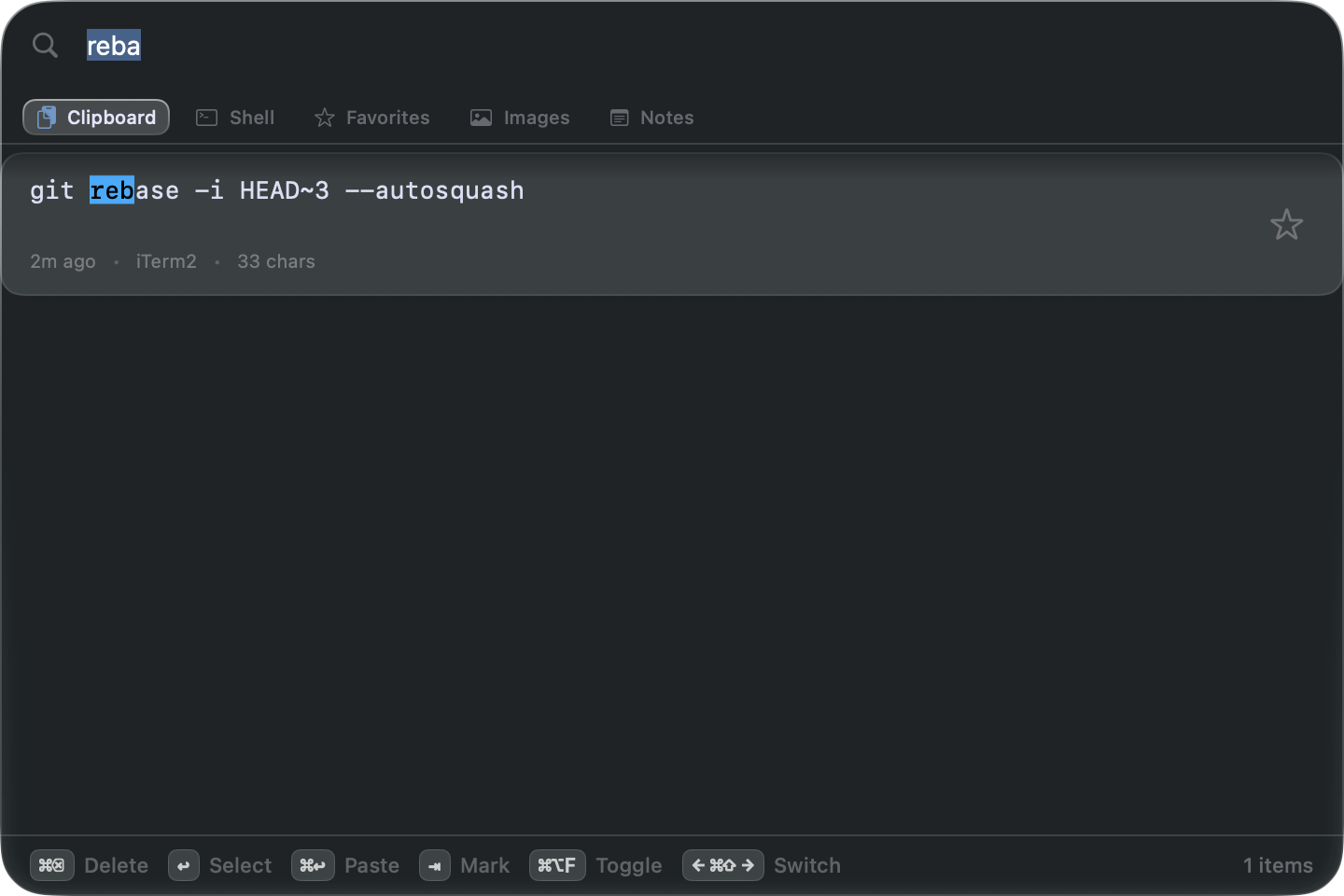
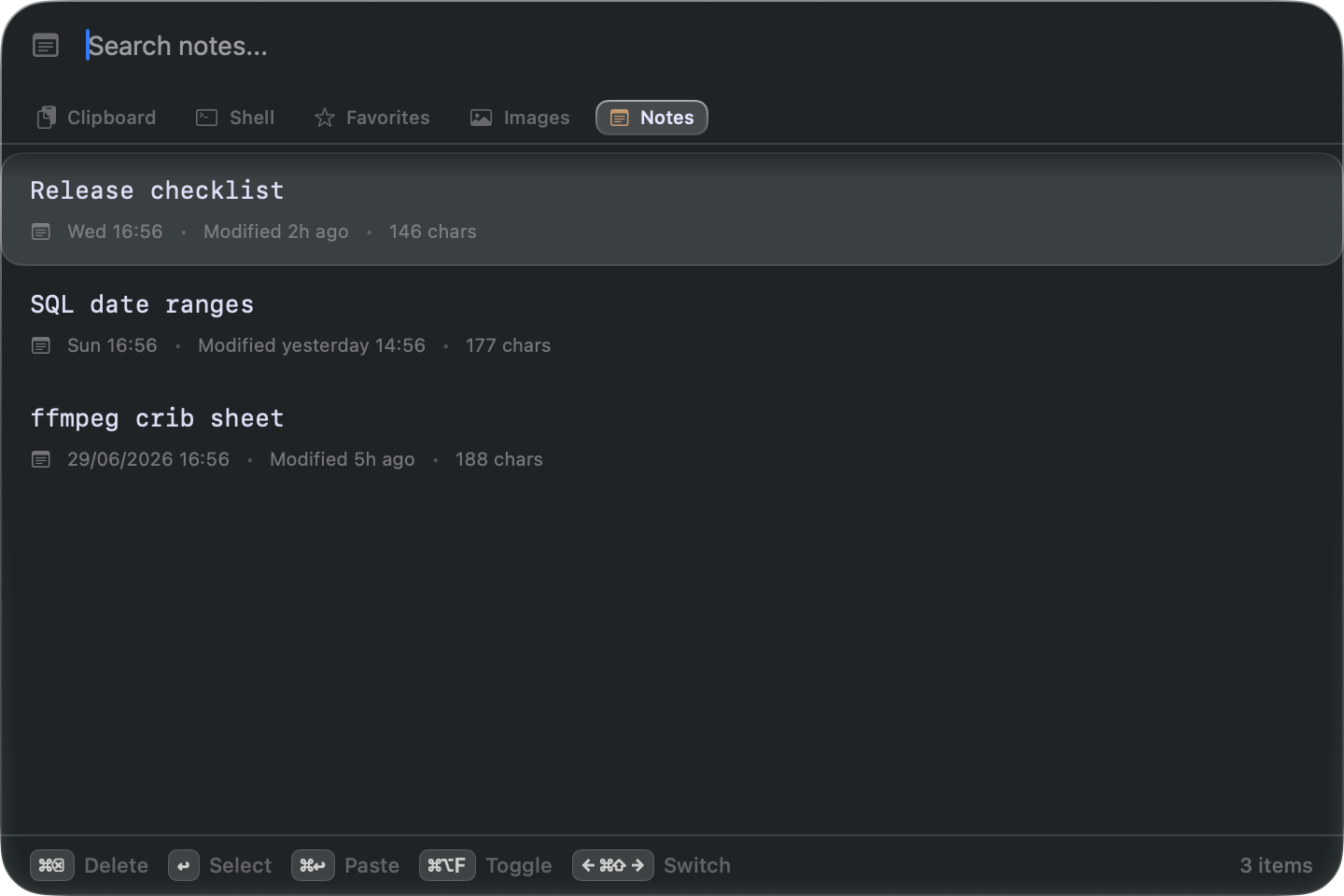
Remember everything. Every copy captured, indexed, kept — shell commands, code, links, colors, screenshots. Summon from any app, type three letters, press ↩.
Your Mac remembers one copy. FZClip remembers all of them — and finds any one in milliseconds.
free during beta · notarized by Apple · macOS 15.2+ · beta
Remember everything. Every copy captured, indexed, kept — shell commands, code, links, colors, screenshots. Summon from any app, type three letters, press ↩.
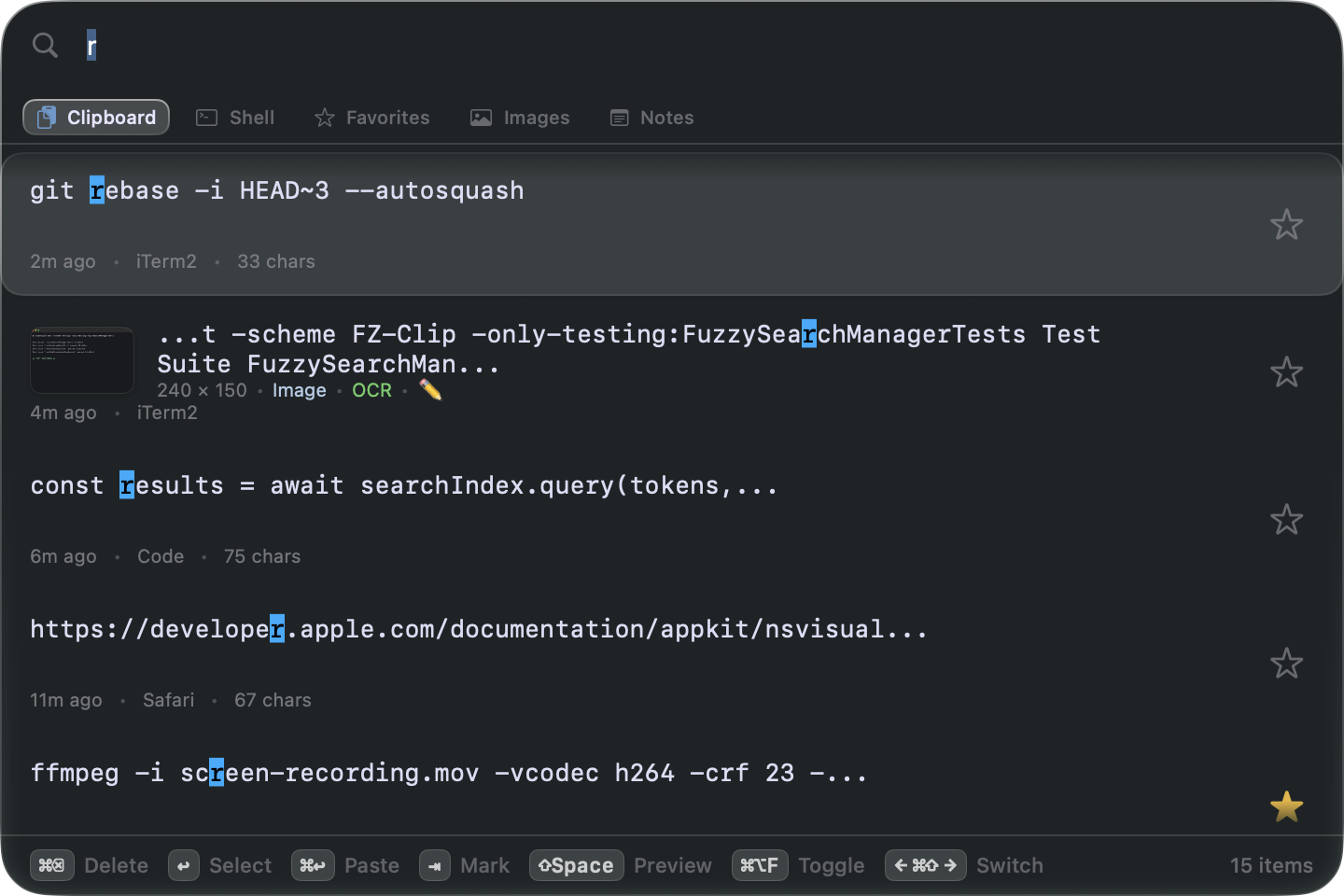
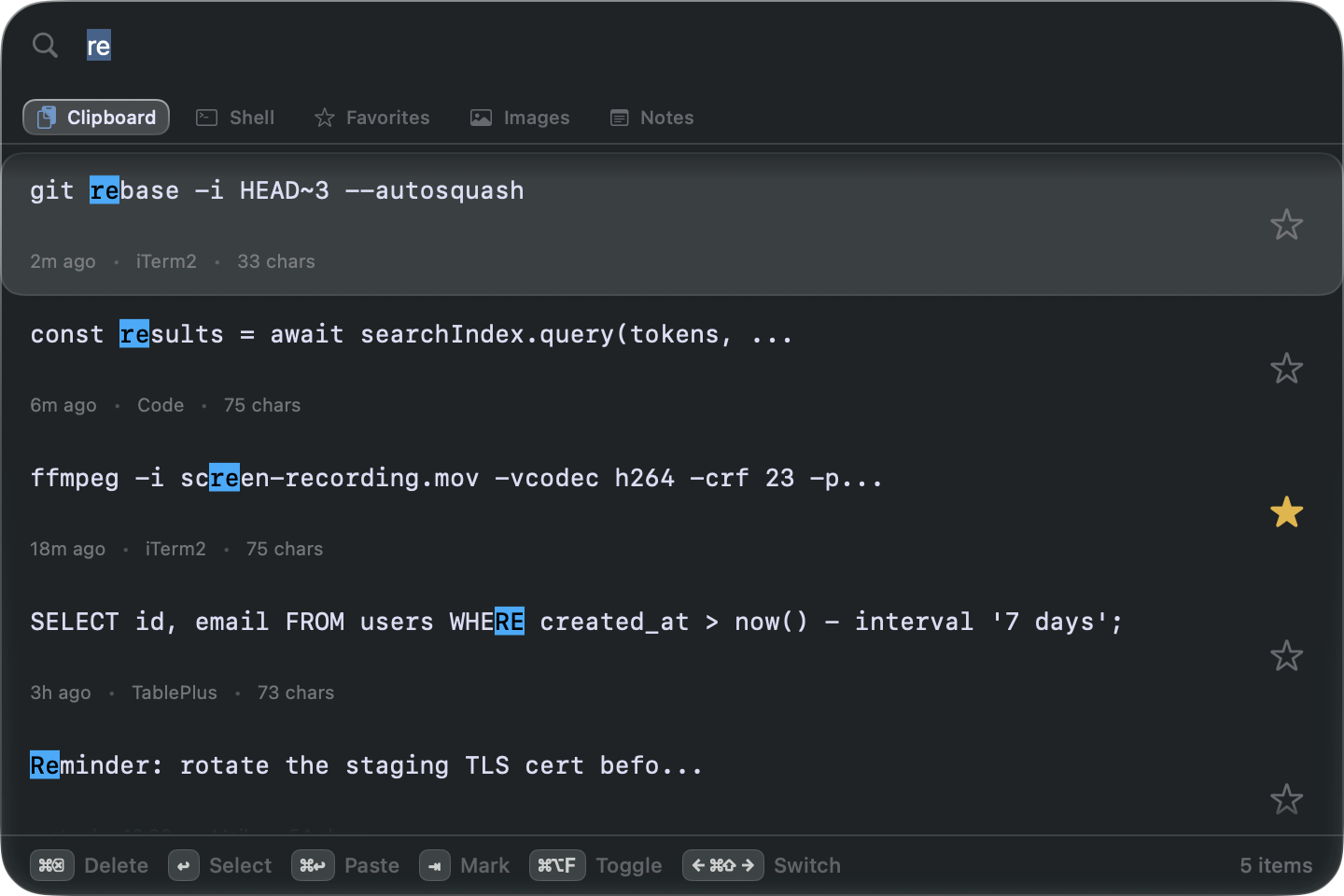
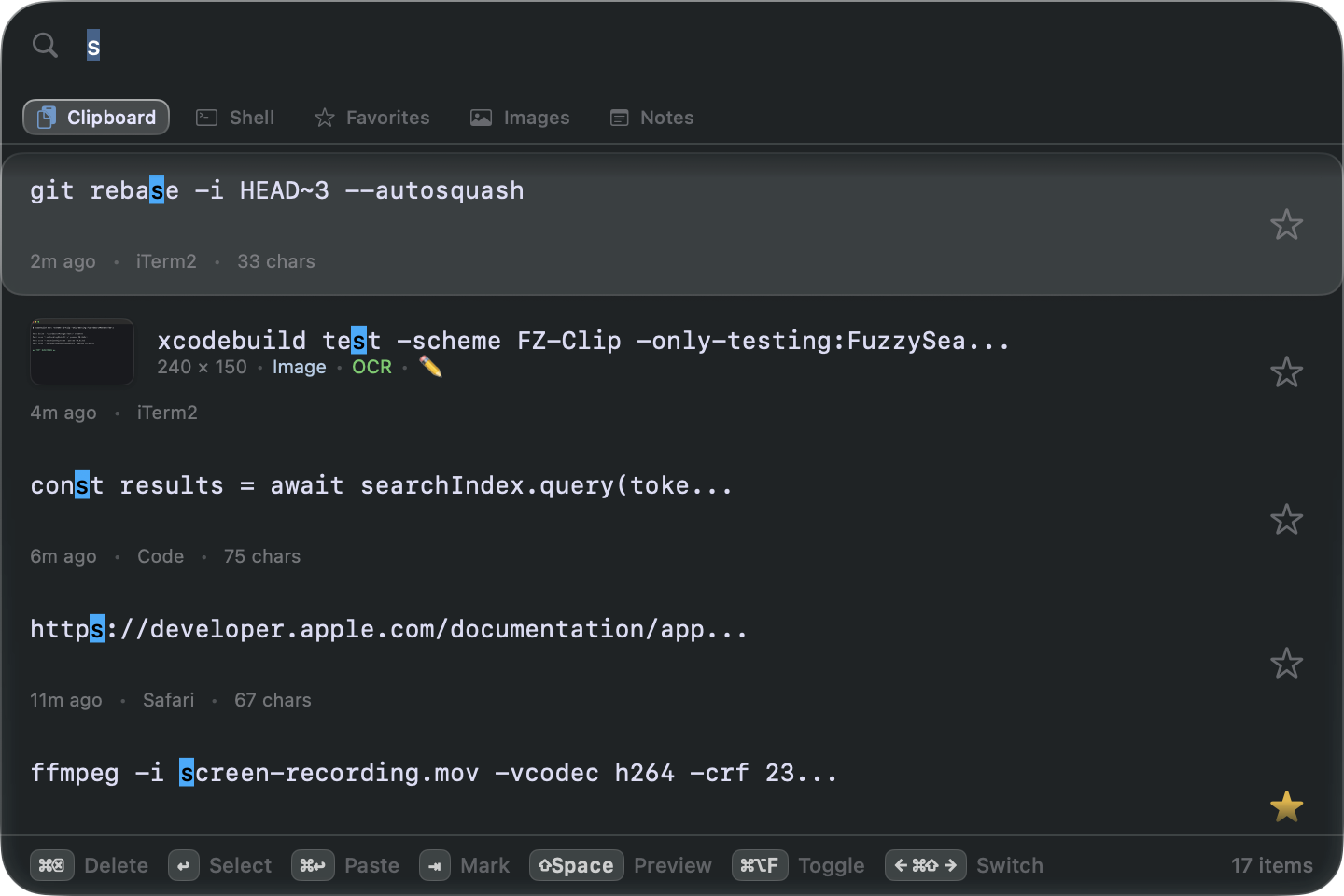
Results appear as you type — even with years of history behind them.
Thousands of clips, indexed and kept for as long as you want them.
No account, no telemetry — your history never leaves your Mac.
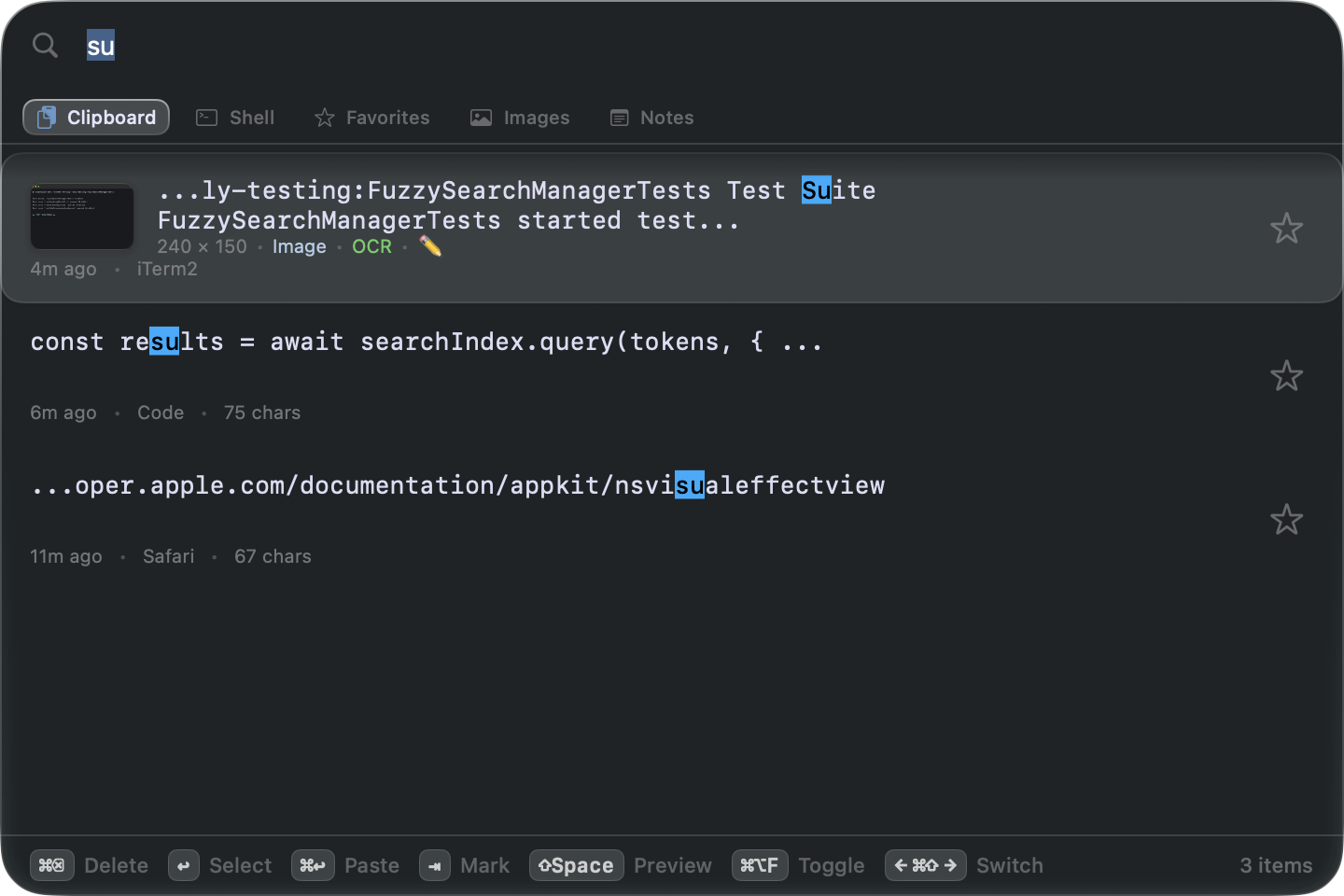
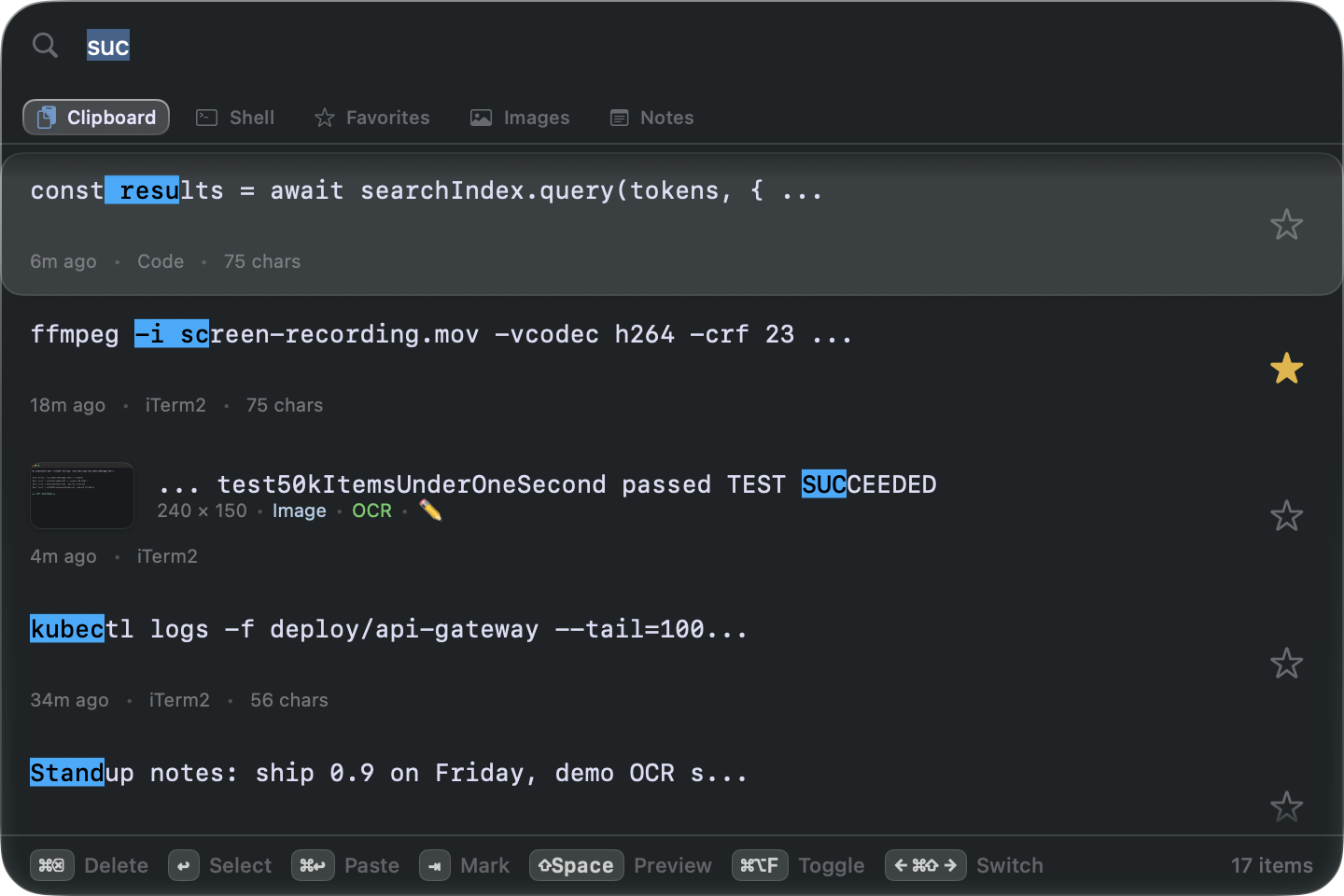
Fragments of what you remember. 'exact, ^prefix, suffix$, !negate — matches highlighted.
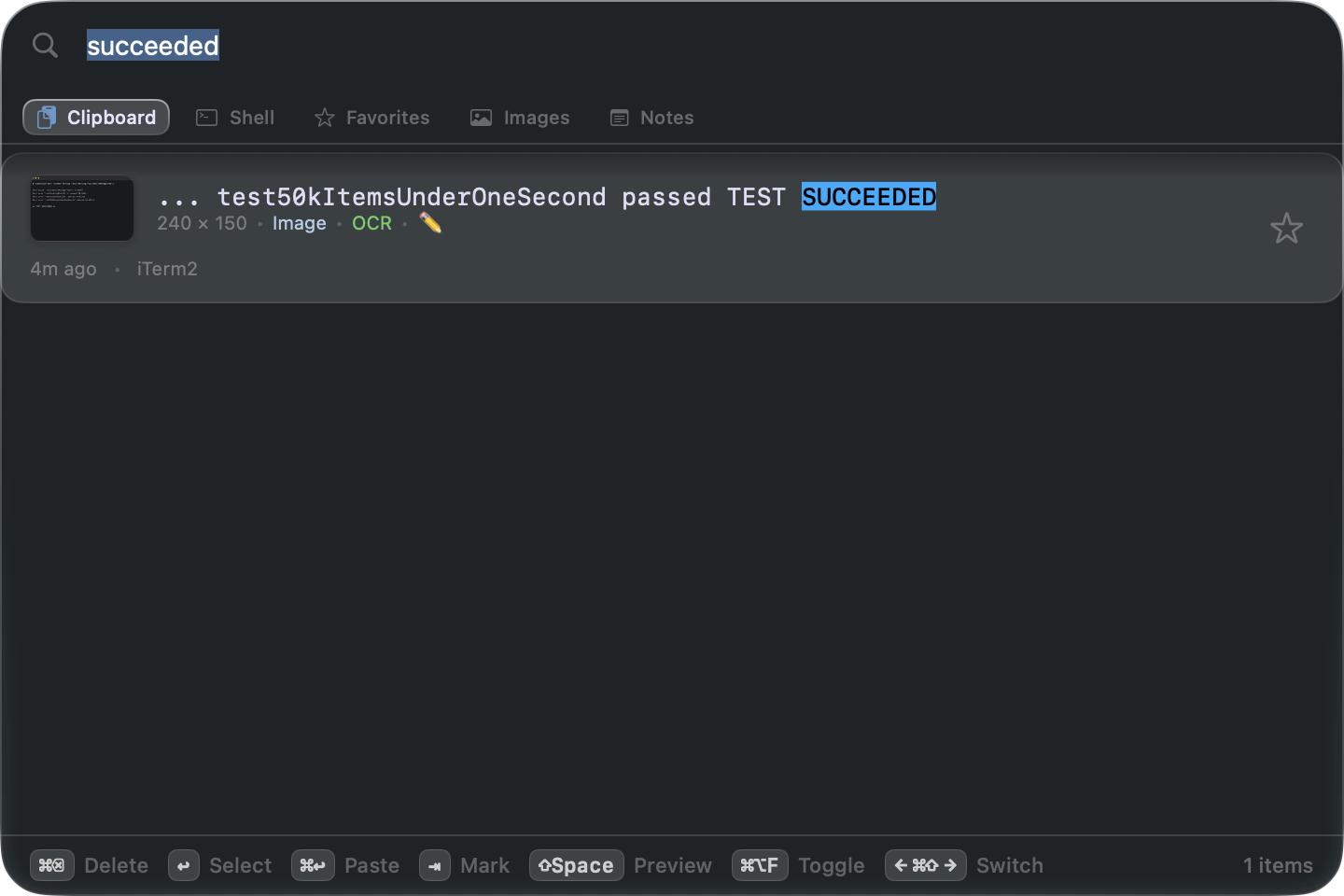
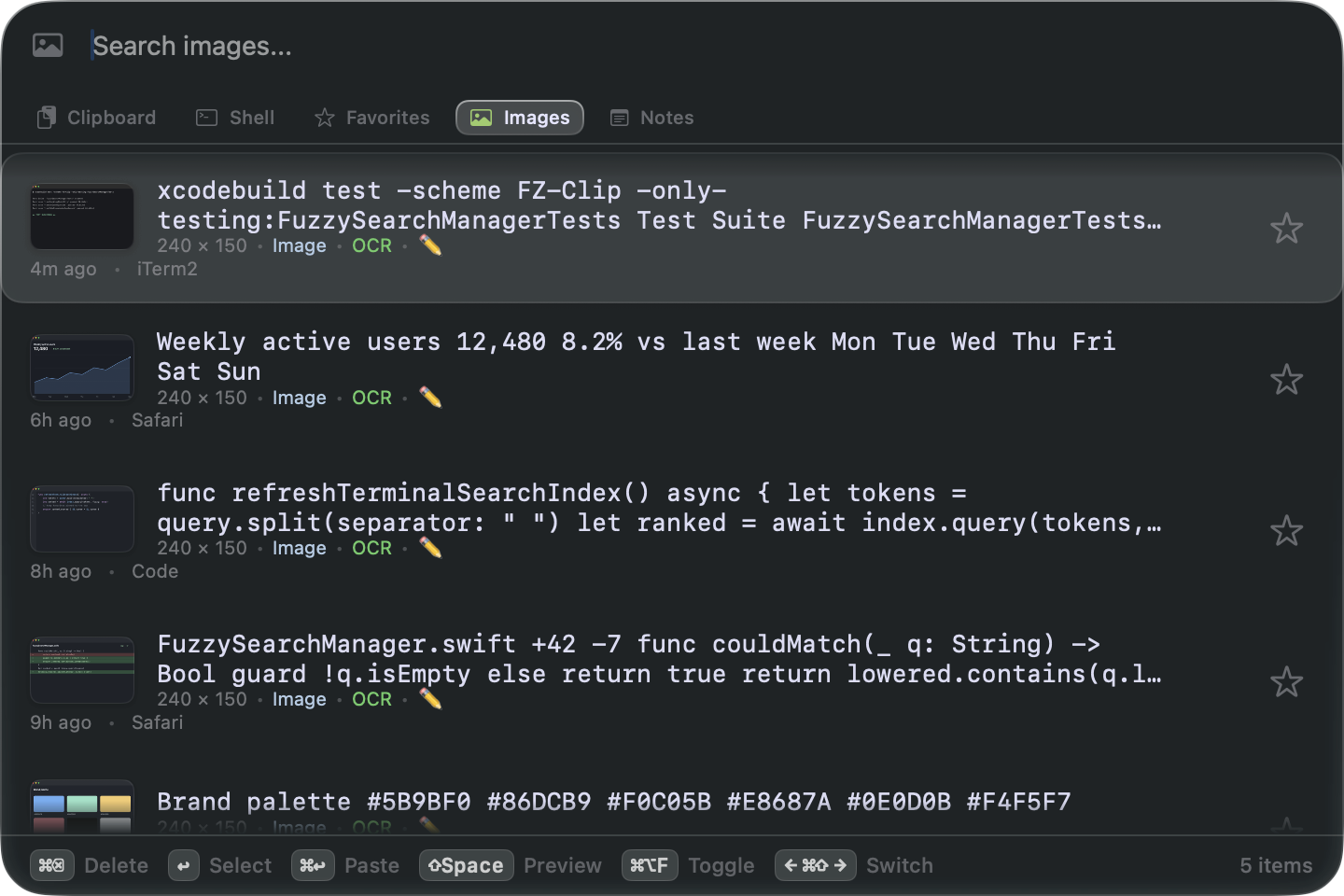
On-device OCR reads every image you copy. Type the error — the screenshot comes back.
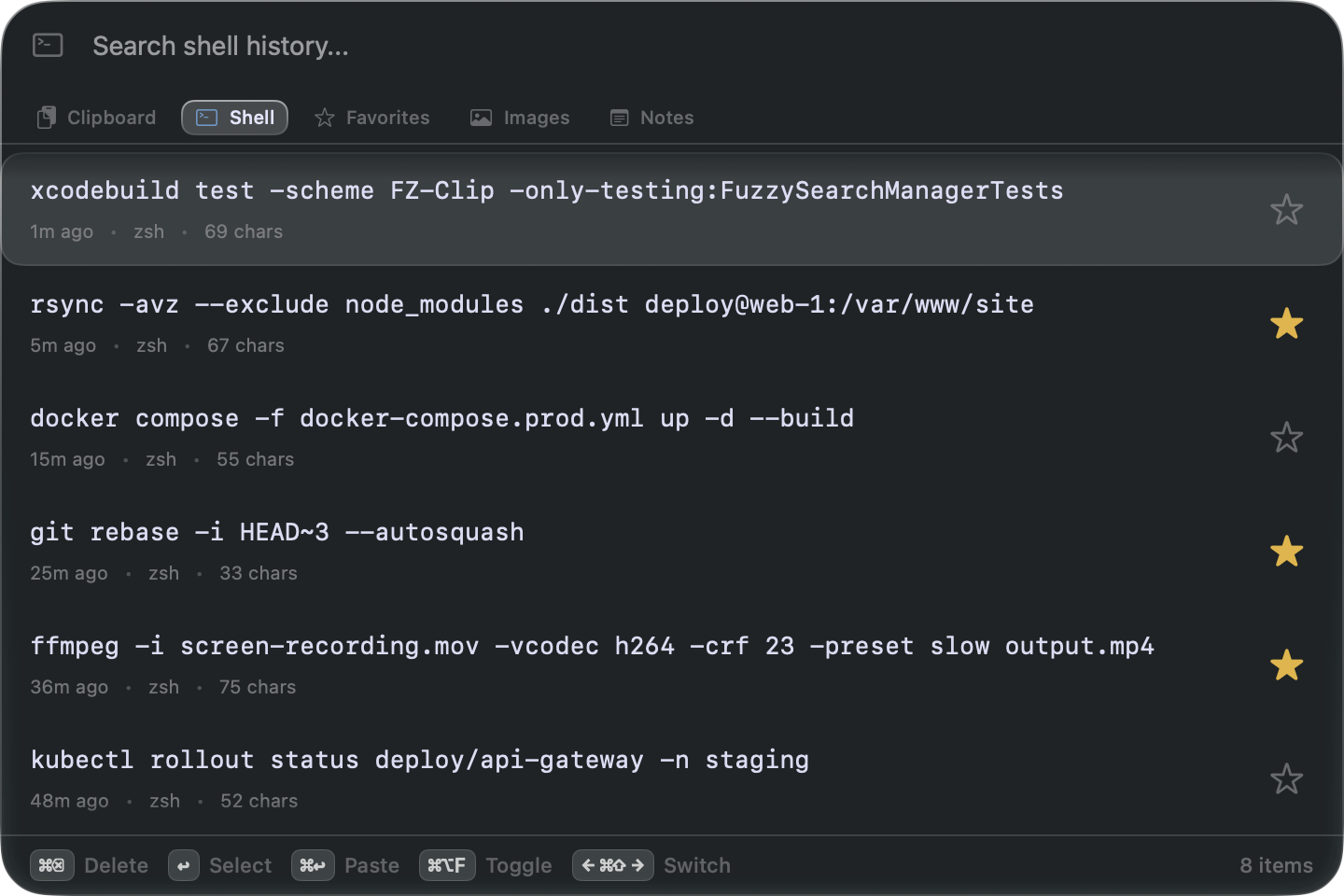
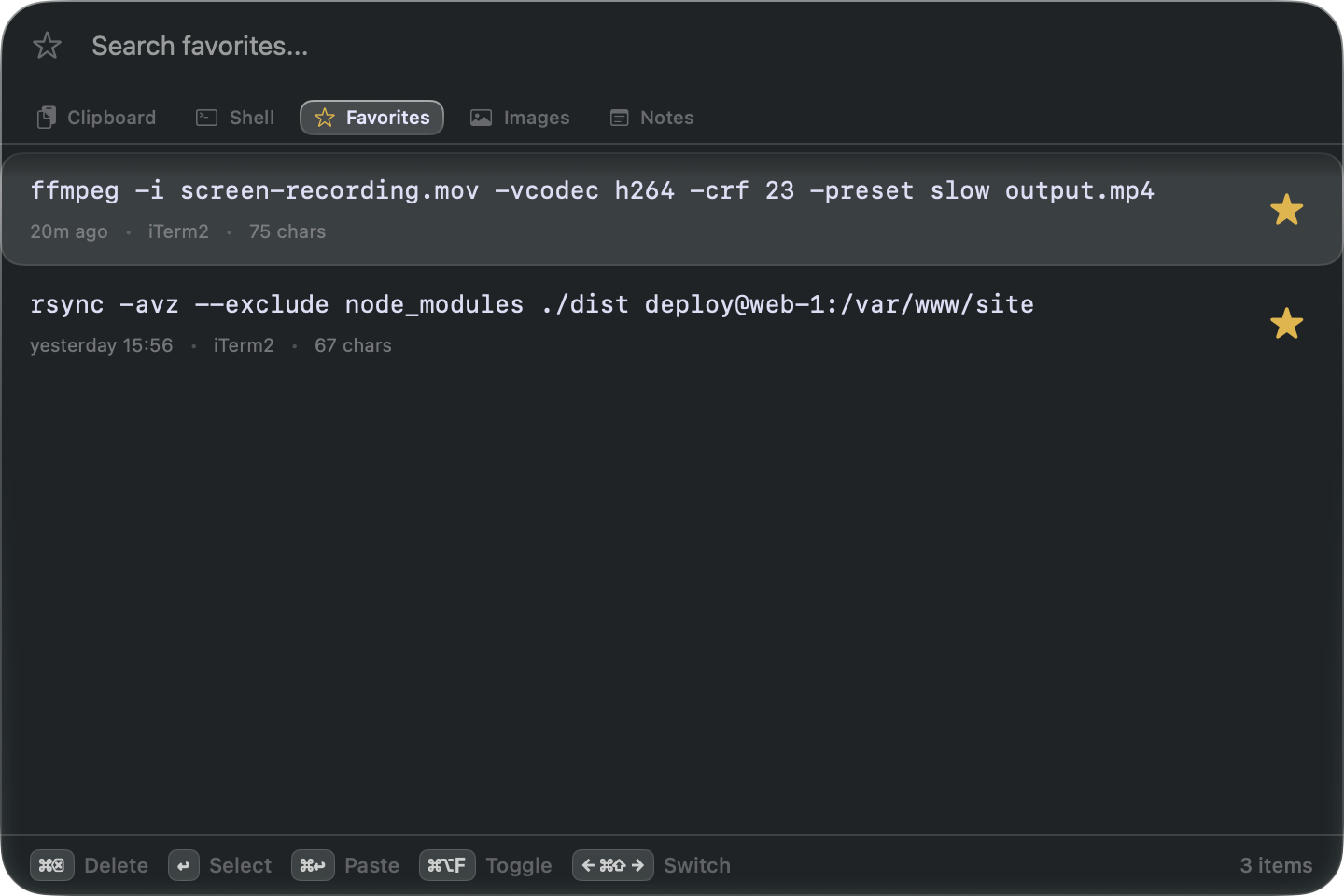
Star the ffmpeg incantation once — it outlives your shell history and never gets trimmed.
38 seconds. Unmute in the player for sound.
Free while in beta. Version 1.0 will be a paid app — one payment, not a subscription to your own clipboard — and beta users get a grandfathered deal.
No. Native Swift, idle until you copy something, and search runs on a background actor — the UI never stutters, even with years of history.
Copies from password managers are hidden automatically — they show as dots until you click the eye to reveal them. Apple Passwords, 1Password, Bitwarden and friends are covered out of the box, and you can add any app (browsers included) to the list. There’s also an optional detector that hides anything shaped like a secret, and a shortcut you can assign to hide anything else.
On your Mac, nowhere else. FZClip is sandboxed and notarized, so history stays in the app’s own container — and every clip is written to disk the moment it arrives, so it survives restarts, updates, and crashes. No account, no analytics; the only thing FZClip ever fetches is its own update check, and you can turn that off. Deleting the app doesn’t delete your data.
Yours to pick — FZClip ships with no preset shortcuts. You choose the summon hotkey during onboarding, and every in-app action — paste, switch views, favorite, hide, preview, new note — records its own combination in Settings → Keyboard. Built-ins: ↩ grabs the highlighted item, ⌘↩ pastes it straight into the app you came from. Full list in the docs.
macOS 15.2 and later, universal binary for Apple Silicon and Intel.
30-second install · no signup · delete it anytime, keep your data